

“Wait, how does that work?” is usually where my questions begin. I hear that a computer can learn from examples, or that an app seems to know what I want to watch next, and I immediately want to know what’s happening underneath.
AI can sound like a huge subject, so I’m thinking of learning it in stages. First, understand the basic ideas. Then notice where they show up in everyday life, at work, and across bigger industries. I don’t need to understand everything at once. I can follow one question, find an answer, and see what it makes me curious about next.
First: how does a machine learn?
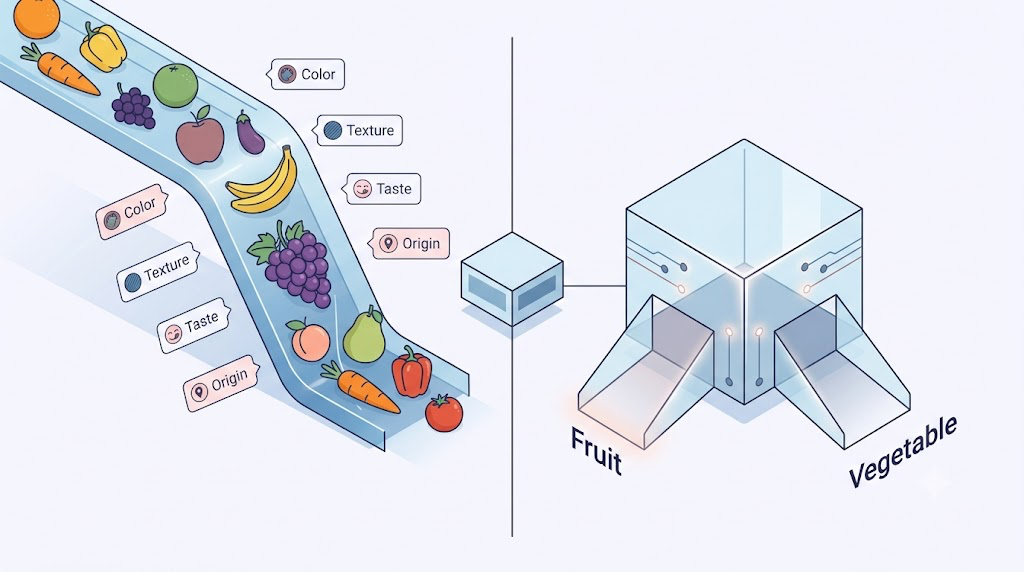
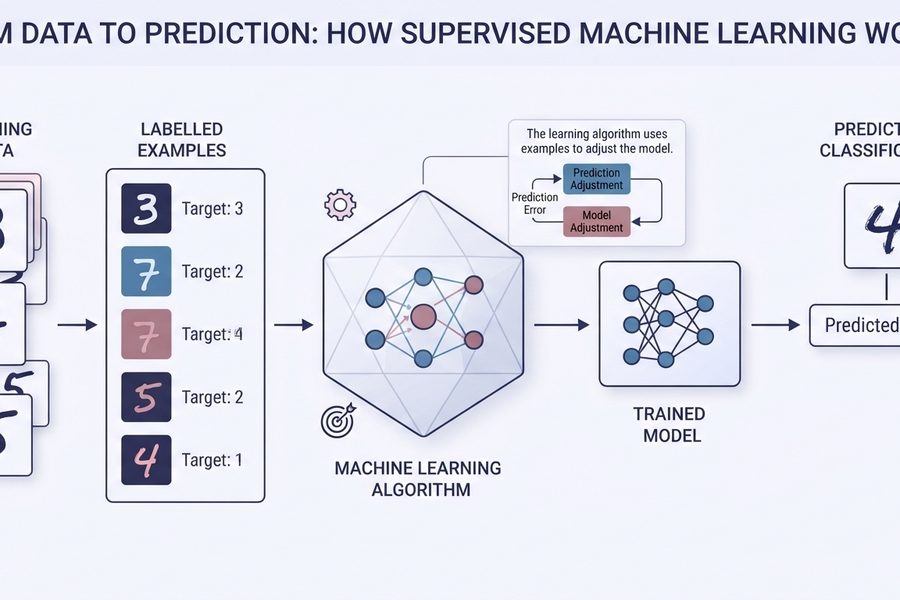
A machine-learning model learns from examples. Imagine trying to sort fruit from vegetables. You might look at colour, texture, taste, and where each thing grows. Those details are features. The answer you want the model to predict—fruit or vegetable—is a label.
A model looks for patterns in the examples it’s given. It has adjustable values called weights that help it decide how much each feature matters. If sweetness is useful for a particular task, the model can learn to give it more influence. It makes a prediction, checks how far that prediction was from the expected answer, and adjusts its weights before trying again. This is a simplified picture, but it gives me somewhere to start. Google’s beginner machine-learning course explains features and model inputs in more detail.
That learning process is different from traditional programming. In a basic if-else program, a person writes the rules: if something meets this condition, then do that. The computer follows the instructions. With machine learning, we give a model examples and a goal, and it learns patterns that can help it make a prediction on a new example. The person still chooses the problem, prepares the data, and checks the results. The model doesn’t magically know what we meant.
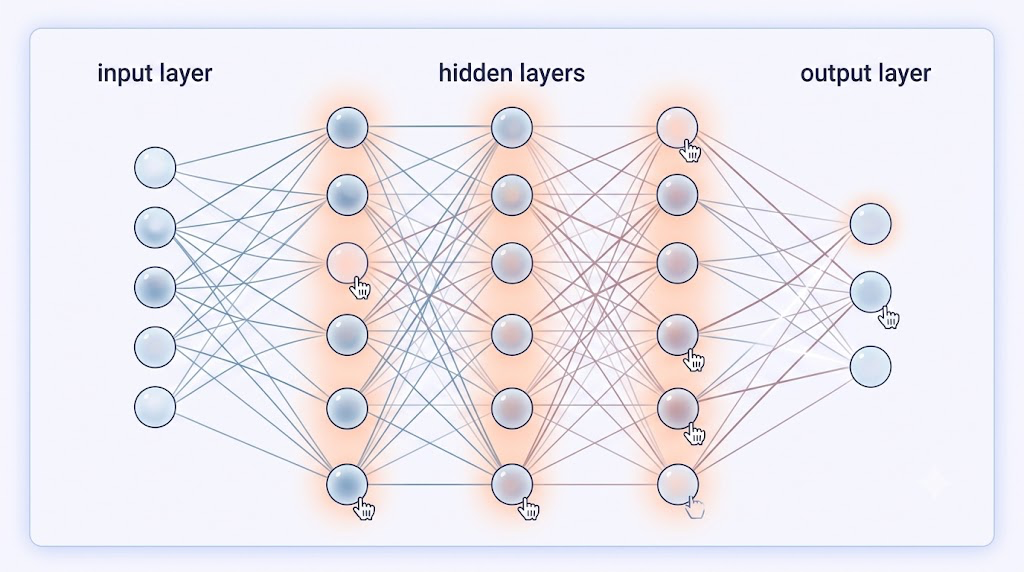
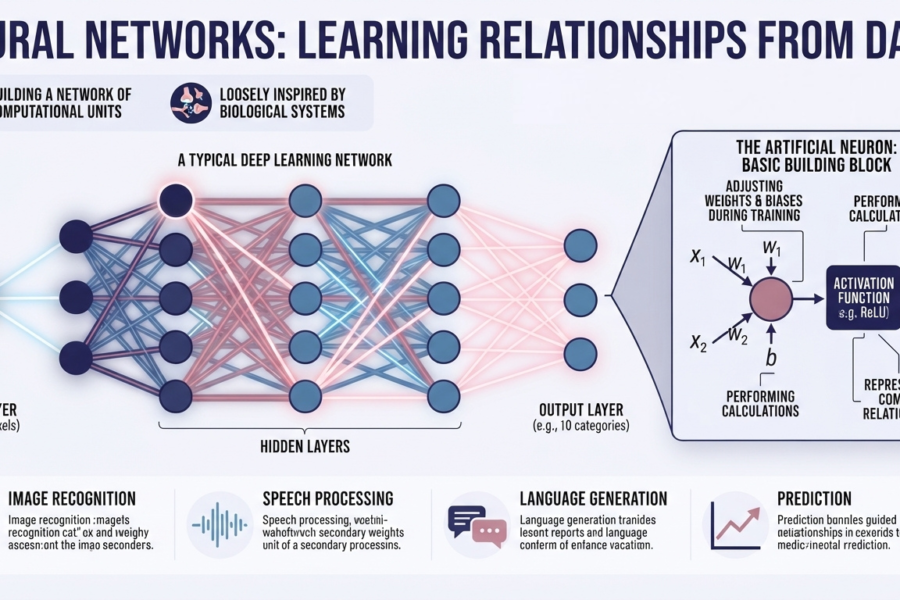
Neural networks are one kind of machine-learning model. They’re often described as being inspired by the brain, but that comparison only goes so far: the way the artificial network works is mathematical, not the same as a person thinking. It has an input layer, one or more hidden layers, and an output. Each layer passes along calculations based on its inputs and learned weights. Adding layers can let the network find more complicated patterns. Google’s neural-network guide has interactive examples of nodes and hidden layers.
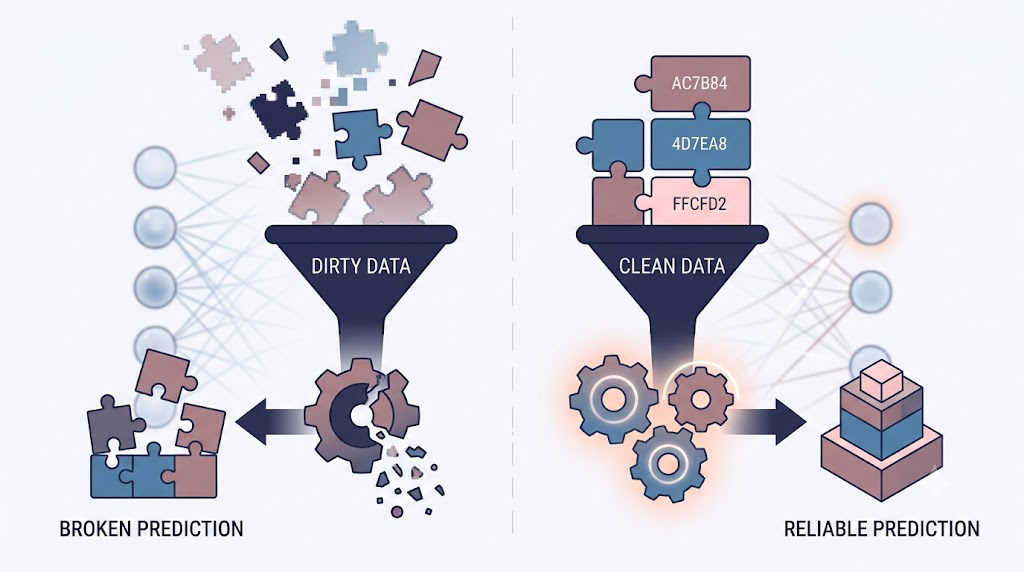
There’s another idea I want to keep close: garbage in, garbage out. If training examples are incomplete, mislabeled, or don’t represent the people and situations the model will meet, its predictions can be unreliable. If certain groups are missing from the data, the model may work worse for them. Cleaning, labelling, and checking data can sound less exciting than building a neural network, but it shapes what that network can learn. Good AI starts with good questions about the examples.
Then: where does AI show up in my day?
One of the easiest ways to meet AI is through a large language model, or LLM. It can respond to text, but the answer depends a lot on what we ask. A vague prompt like “help me study biology” leaves plenty of room for the model to guess what help means.
A more useful prompt gives it a task and context: “I’m studying cell biology for a quiz. Explain how mitochondria work in five simple bullet points, then ask me three questions to check what I remember.” I can also tell it what kind of answer I want, or give it an example to follow. That doesn’t guarantee the answer is right; it just makes my request clearer. OpenAI’s prompting guide recommends being specific, providing context, and refining the request when needed.
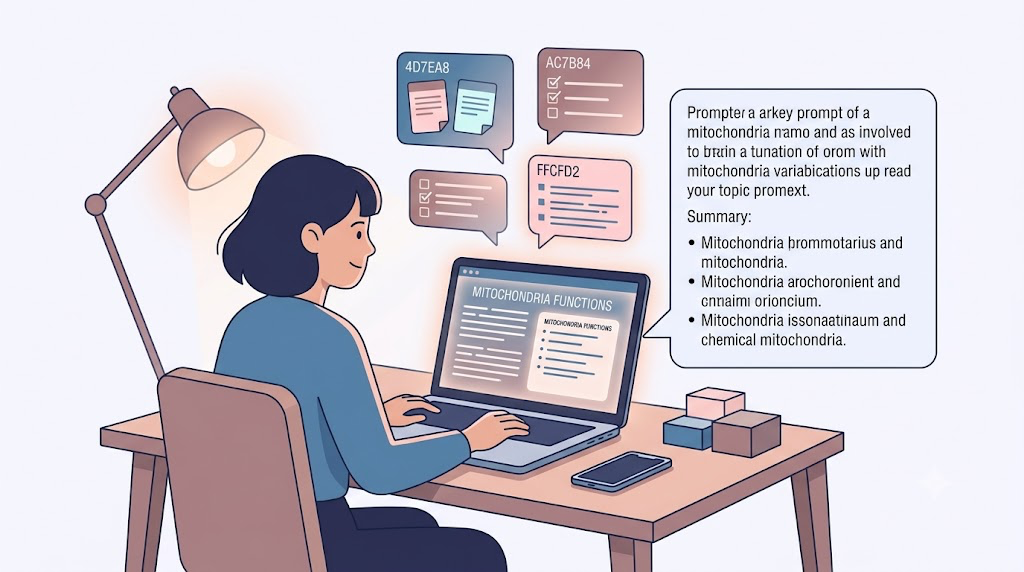
AI tools might also help with the small study jobs that pile up: turning notes into questions, making a first draft of flashcards, or summarising a long reading. Tools such as Notion AI and Perplexity offer different kinds of writing, note, and research help; their features and access can change, so I’d check what each one actually does before choosing it. Perplexity presents answers with sources to explore, while Notion documents AI features for taking and summarising meeting notes. Either way, I’d use a summary as a starting point and go back to the original material before relying on it. Notion AI Meeting Notes · Perplexity
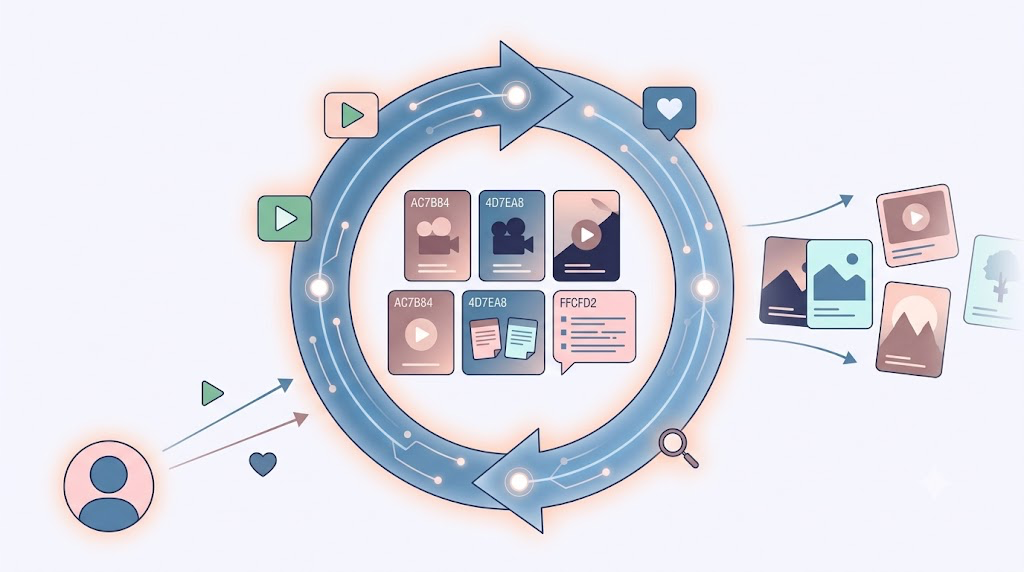
Recommendation systems are another everyday example. When I open YouTube, the suggested videos are not simply a random list. The system uses signals such as what I’ve watched, searched for, liked, or chosen to skip to estimate what I might want to see. Other platforms use recommendation systems too, though each platform’s system is its own. The interesting part is the feedback loop: what I watch affects what gets suggested, and those suggestions can shape what I watch next. YouTube describes some of the signals behind its recommendations.
At work: what counts as “busywork”?
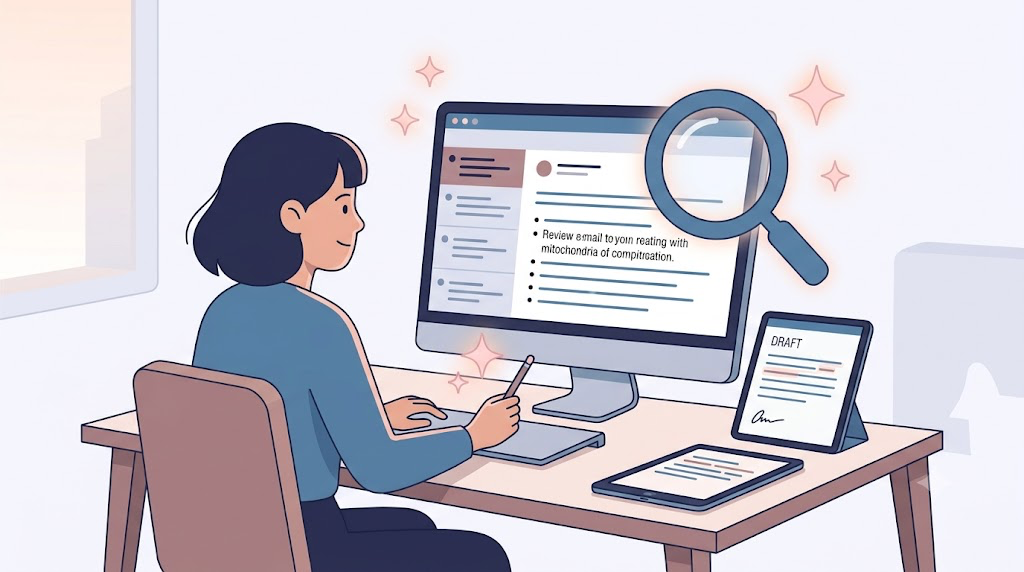
The same ideas can help with repetitive tasks at work. An office worker might use an AI assistant to get the main points from a long email thread, make a first draft of a memo, or help organise information in a spreadsheet. Microsoft documents an Outlook Copilot feature that can summarise an email conversation, and Google describes Gemini features in Docs, Sheets, and other Workspace apps. Access depends on the product and plan, and anything important still needs a person to check it. A summary can miss a detail; a draft can sound confident and still be wrong. Microsoft Outlook Copilot · Gemini in Google Workspace apps
Coding assistants are a similar kind of helper. GitHub Copilot and Cursor can offer code suggestions or help someone explore a codebase. That can save time when looking up syntax or getting started, but the person still needs to understand what the code is meant to do and review what the tool suggests. Knowing how to ask “does this actually solve the problem?” matters more than memorising every punctuation mark. GitHub’s documentation shows how developers can request feedback on code suggestions.
Creative work changes too. A marketing team might ask a text model for campaign ideas, draft several versions of a headline, or use an image generator to explore a visual direction. That can make the blank page less intimidating. But a generated idea still needs taste, editing, and a person who understands the audience. “The computer made it” doesn’t automatically mean “it says what we mean.”
Finally: what could AI change in bigger industries?
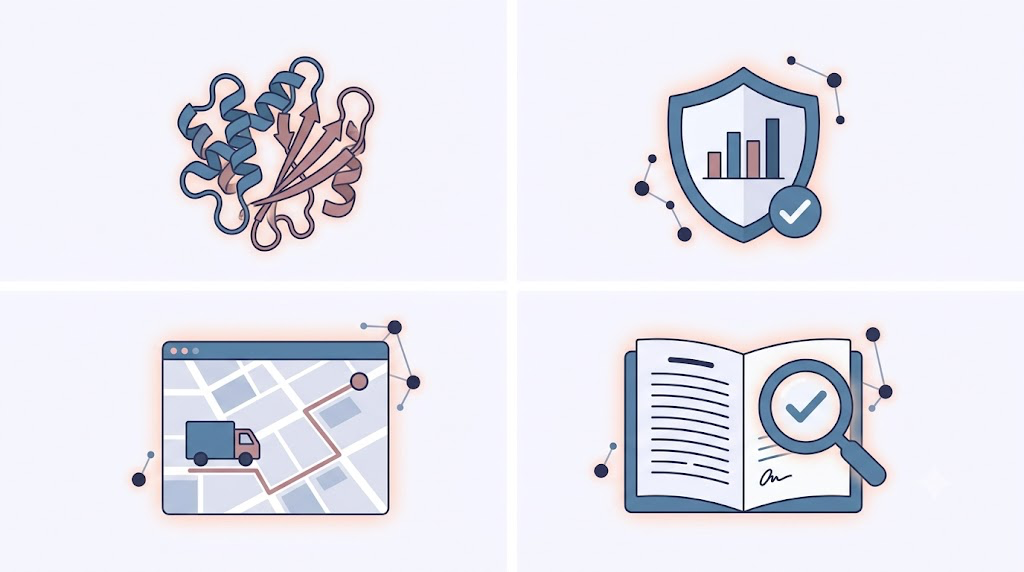
In healthcare, AI systems can help specialists find patterns in medical images or other data. Some tools are designed to support decisions about detection or diagnosis, but that doesn’t make them a replacement for medical professionals. Researchers also use AI to study proteins. For example, AlphaFold predicts protein structures, giving scientists information that can support further research into biology and possible medicines. It’s fascinating to me that patterns in data can help people ask new scientific questions, while experiments and expert judgement remain essential. The FDA describes AI-enabled medical devices as tools that may support health-care decisions. · Google DeepMind on AlphaFold
In finance, systems can look for transactions that seem unusual compared with someone’s normal activity and flag them for review. A flag isn’t proof of fraud, though. It’s a clue that a person or another process may need to look closer. AI can affect people’s access to money too, which makes fairness and clear explanations important questions—not optional extras. The Consumer Financial Protection Bureau has documented AI and machine learning uses in financial services, including fraud prevention. CFPB report
Logistics is about getting the right things to the right places. Models can help estimate demand, plan inventory, or work out delivery routes using lots of information at once. Amazon describes AI and machine-learning systems used in its supply chain for forecasting and route planning. It’s a useful example of how a prediction made in one place can affect a very practical thing somewhere else: whether an item is in stock or which route a delivery takes. Amazon’s supply-chain overview
Legal work raises a different set of questions. A tool might help sort a large set of documents, find clauses to review, or produce a first summary of a contract. But words in a contract depend on context, and missing one exception can matter a lot. A person with legal training still needs to check the source documents and decide what the language means. Here, speed is useful only if the result is careful too.
One question at a time
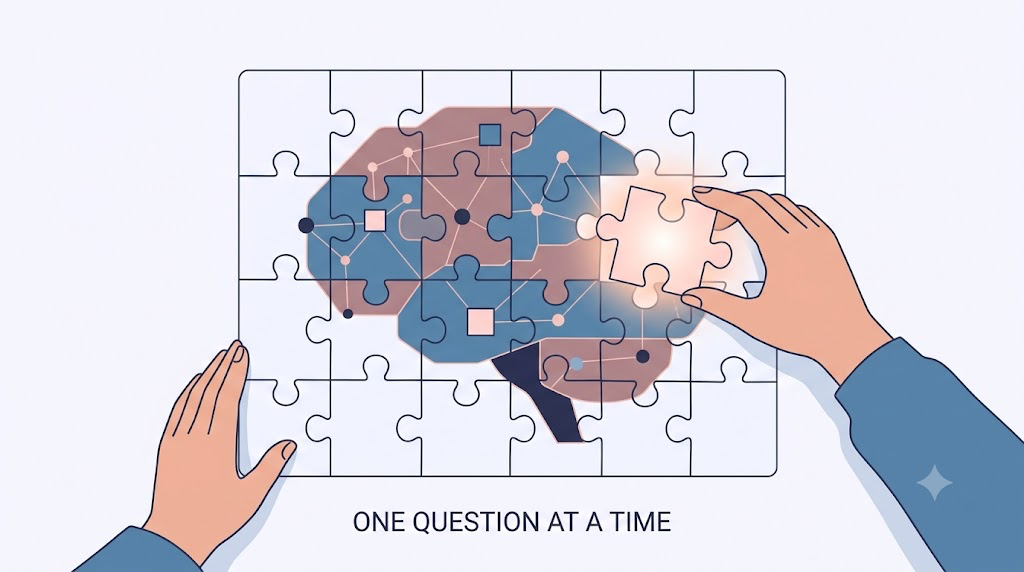
This is the path I want to follow: learn what a model is doing, notice where models show up around me, and ask what changes when people rely on them. I want to know what information goes in, what the system is trying to predict, and who checks the answer when it matters.
I’m at the beginning, so I don’t expect to know every equation or every tool straight away. I’d rather understand one idea properly, try it on a small example, and keep asking questions when something doesn’t quite click. AI feels less mysterious when I can connect the big claims to the little steps underneath them—and that’s a pretty good place for me to start.
References & Further Reading
- Machine Learning Fundamentals: Google Machine Learning Crash Course & Nodes and Hidden Layers Guide
- Prompting & Everyday AI: OpenAI Prompt Engineering Guide, Perplexity AI, & YouTube’s Recommendation System Signals
- Workplace Productivity: Microsoft Copilot in Outlook, Google Workspace Gemini Integration, & GitHub Copilot Documentation
- Industry Applications: AlphaFold Protein Structure Prediction, FDA AI/ML Medical Devices Overview, CFPB Report on AI in Financial Services, & Amazon Science: Supply Chain ML
0 comments